Home Network Security
Home Office USB Drive Malware Quarantine Plan for 2026
A home-office security checklist for suspicious USB drives: do-not-plug rules, evidence handling, device isolation, reporting, and safe replacement workflow.
- Use source-backed steps before changing security settings.
- Prioritize MFA, updates, backups, segmentation, and phishing-resistant habits.
- Save only the guides you need; no account is required.
This guide is current as of 2026-06-28. It is designed to preserve helpful-content and AdSense readiness: the advice is specific, source-backed, non-promotional, and focused on decisions a reader can take today.
The first rule is no curiosity plug-in
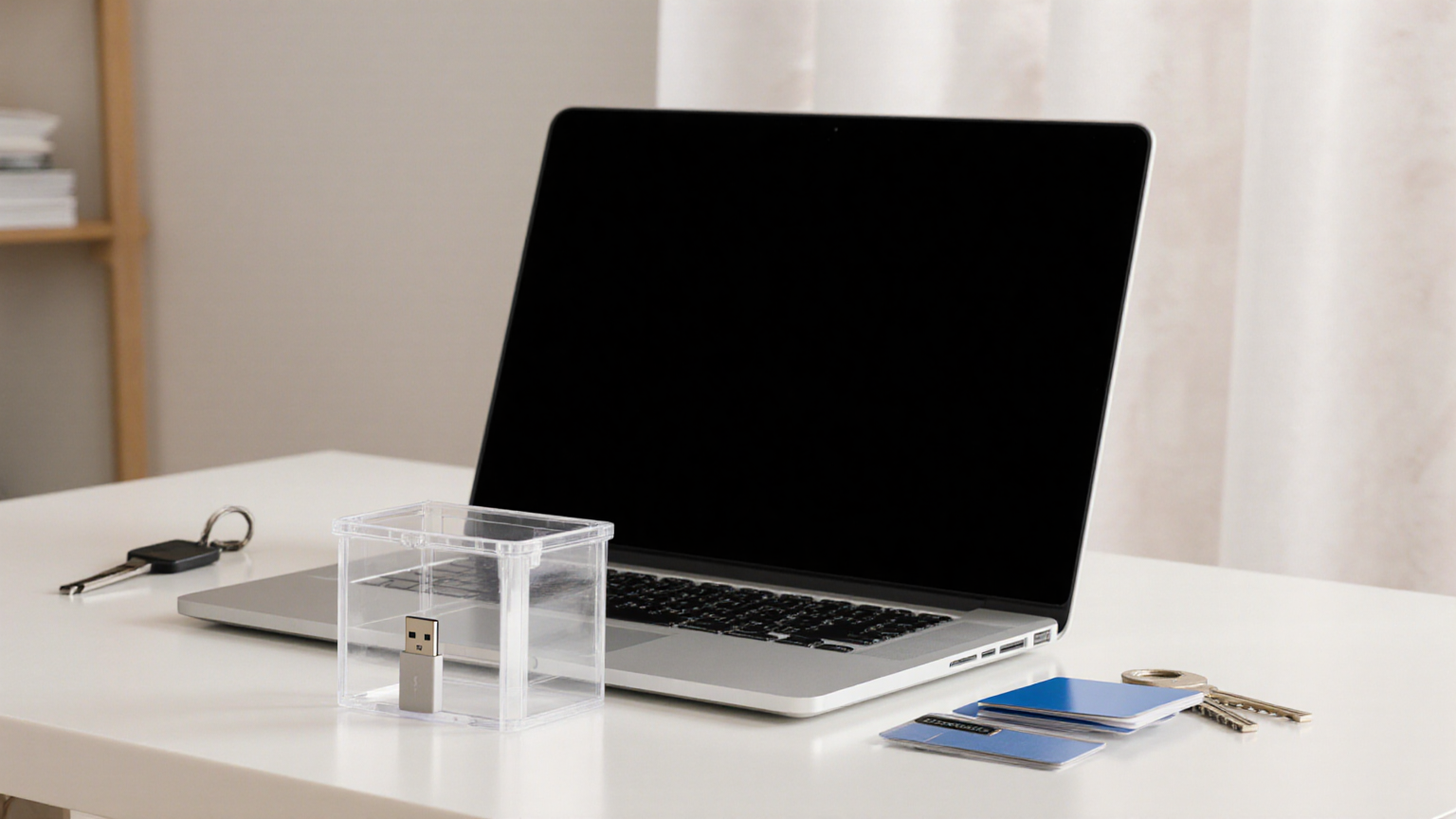
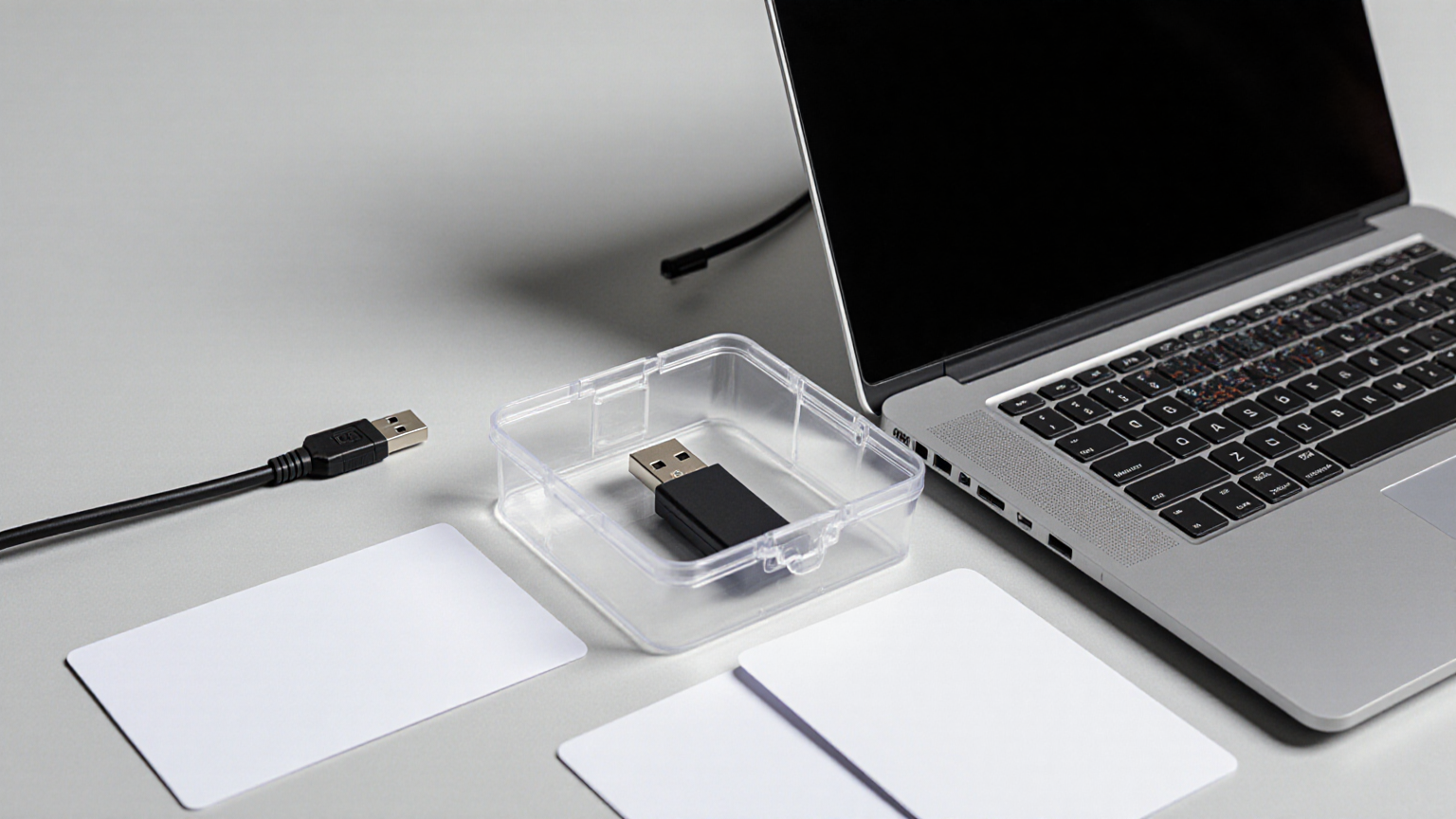
A found or unexpected USB drive should be treated as untrusted media. The safest consumer action is boring: do not plug it into a work laptop, personal laptop, printer, router, TV, or phone adapter. Put it in a small bag or box, label the context outside your article notes rather than on the device, and ask the device owner, employer, school, or venue security what they want done.
Quarantine is a workflow, not a gadget
Home users often imagine a spare old laptop as a safe testing station. That creates more risk than value unless you know how to isolate networks, wipe media, and analyze malware. For most households and freelancers, quarantine means physical isolation, documentation, reporting, replacement from a known source, and password/MFA review if the drive was already inserted.
Fast decision table
| USB situation | Same-day action | Escalate when |
|---|---|---|
| Found drive in public or parking area | Do not plug it in; put it in a bag or box and give it to venue/security staff | It appears tied to your employer, school, or a customer incident |
| Unexpected drive arrives by mail | Photograph the package exterior if needed, isolate the drive, and ask the sender through a known channel | Sender cannot be verified or asks you to bypass normal file-sharing |
| Drive was already inserted | Disconnect from networks, stop using the device, and contact the security owner or trusted technician | Passwords, client files, financial accounts, or work systems were accessible |
| You need the files urgently | Request a fresh transfer through a trusted cloud, portal, or known device | Someone pressures you to plug in unknown media “just this once” |
Step-by-step plan
- Do not test the drive. Curiosity is the failure mode; unknown media belongs outside everyday computers.
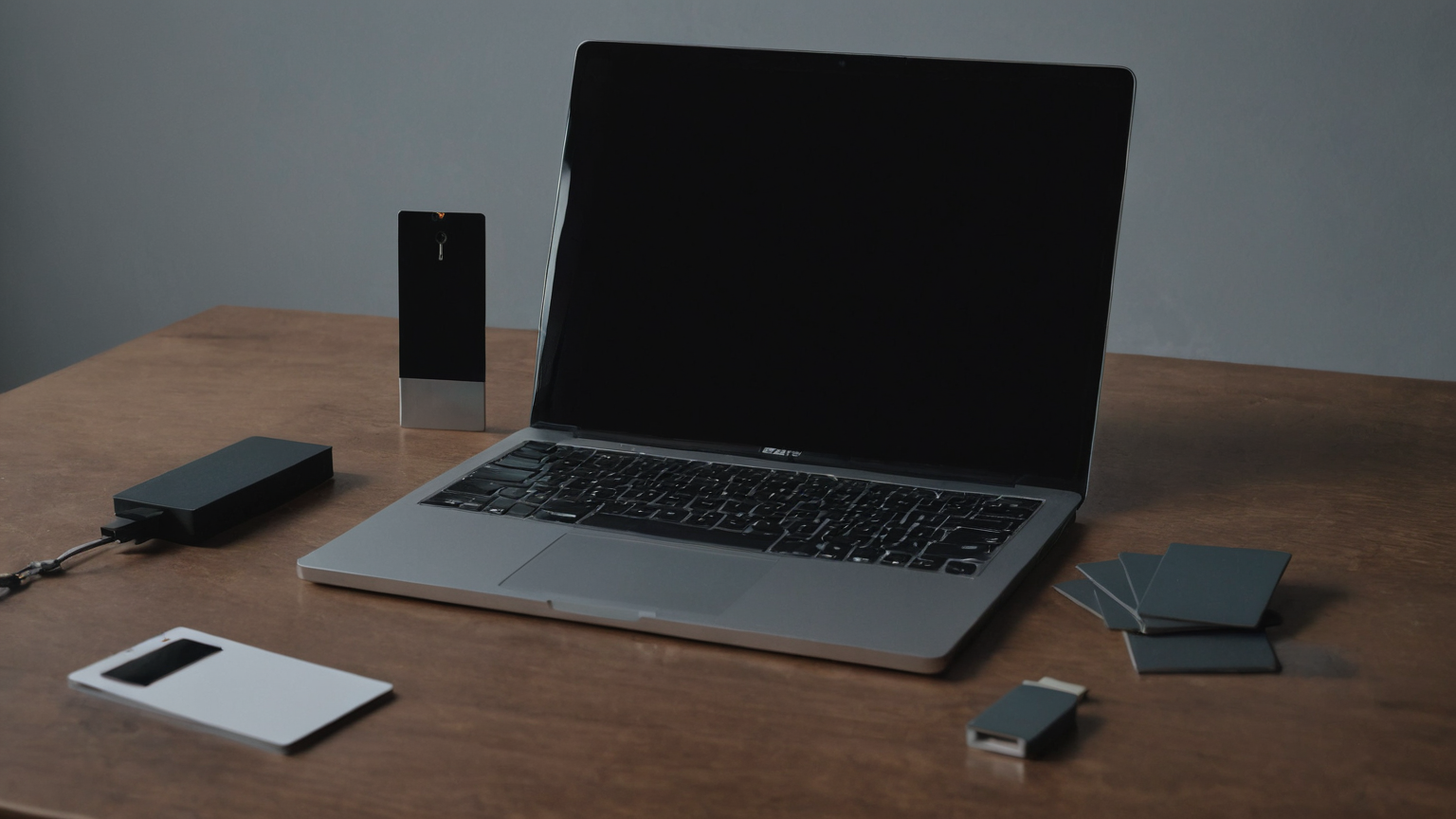
- Isolate physically. Use a clear bag, box, or tray so the drive is not mixed with safe storage.
- Record context without secrets. Note where it came from, who expected it, and who owns the decision.
- Use a known channel. Call or message the sender through an existing contact path, not a note shipped with the drive.
- Choose replacement transfer. Ask for a secure portal, verified cloud link, or new media from an approved source.
- If inserted, switch to incident mode. Stop using the device, preserve evidence, rotate exposed passwords from a clean device, and ask the right security owner before wiping.
Reader checklist
- Unknown USB drive was not inserted into a laptop, printer, router, TV, or phone adapter.
- Device is physically isolated and clearly separated from safe media.
- Sender identity was verified through a known channel.
- Work/client/security owner is notified when the drive touches business data.
- Password and MFA review is done from a clean device if exposure is possible.
- Replacement transfer uses a known portal or approved storage path.
- No screenshots or serial details are shared publicly.
- Final disposition is documented without storing sensitive contents.
What to avoid
Avoid “air-gapped old laptop” experiments, plugging the drive into a printer or smart TV, or uploading unknown files to random online scanners that may expose private data. Avoid photographing labels or contents publicly. The article’s security value comes from a conservative chain of custody: no plug-in, physical isolation, known-channel verification, and escalation when business or personal accounts may be exposed.
Source-backed notes
The sources below were selected because they are official, professional, or durable references rather than thin product pages. Some government and security pages may block script clients while remaining authoritative for normal readers; the article avoids claims that require unavailable live data. Use the source list as a starting point, then verify local rules, employer requirements, provider policies, and professional advice where your situation differs.
FAQ
Can I handle this in one evening?
Yes for the first pass. The plan is intentionally small: identify the risk, remove the obvious hazard, record the minimum evidence, and schedule the next review.
Should I buy something immediately?
Only if the checklist identifies a concrete gap that a product solves safely. Do not use shopping to postpone cleaning, documentation, privacy boundaries, or professional escalation.
How should I store the notes?
Keep them in a place the right person can find, but do not include passwords, full account numbers, medical details, or private client data unless a professional process requires it.
Why include images?
The images show practical setups and supplies without embedding fake text, UI, logos, receipts, forms, or risky details. They are visual aids, not evidence of a specific product recommendation.