home network security
Home Wi-Fi Guest Network and IoT Separation Plan for 2026
A practical home-security plan for separating guest devices and smart-home devices from primary laptops, accounts, backups, and work systems.
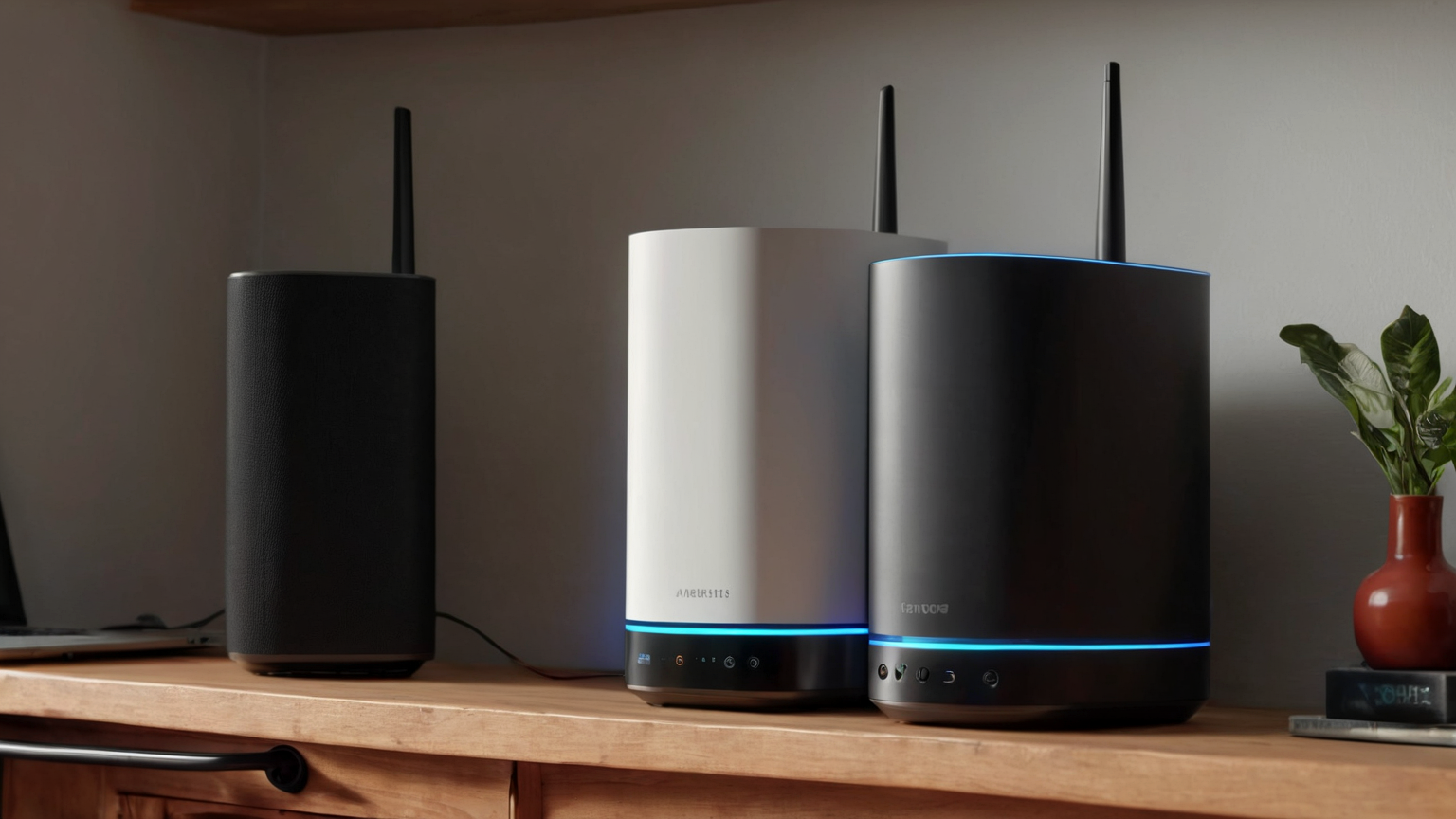
- Use source-backed steps before changing security settings.
- Prioritize MFA, updates, backups, segmentation, and phishing-resistant habits.
- Save only the guides you need; no account is required.
Updated 2026-06-13. A guest network is not only for visitors. In many homes it is the simplest boundary between primary laptops, work devices, backups, password managers, and a growing collection of cameras, speakers, plugs, TVs, toys, thermostats, and old phones. This guide explains how to make a practical separation plan without pretending that every router exposes the same settings.
Quick decision table
| Device group | Suggested network | Main reason | Extra control |
|---|---|---|---|
| Work laptops and family primary devices | Main network | Trust and productivity | MFA, updates, backups |
| Visitors and temporary devices | Guest network | Limited trust duration | Change password periodically |
| Smart-home and IoT devices | Guest or IoT network if available | Reduce lateral movement | Disable unneeded sharing |
| Old devices awaiting wipe/recycle | Offline or temporary guest | Unknown patch state | Remove saved accounts |
Inventory before changing settings
Write down device categories first: primary computers, phones, work systems, printers, cameras, TVs, speakers, plugs, game consoles, and visitor devices. Do not start by clicking every router setting. The best network plan follows device trust level and household needs.
Use the guest network as a low-trust zone
Many routers let you enable a guest SSID and prevent guest devices from seeing local devices. If that option exists, use it for visitors and many IoT devices. If a smart-home hub requires local discovery, document the exception rather than weakening the whole network permanently.

Protect admin access and firmware updates
Change default router admin passwords, use a strong Wi-Fi password, keep firmware current, and turn off remote administration unless it is truly needed and secured. The network boundary is weaker if router management itself is exposed or forgotten.
Plan for printers, casting, and edge cases
Some devices need local discovery to print, cast, or control smart-home routines. Put those exceptions in writing: which device, why it needs access, who approves it, and when it will be reviewed. Avoid moving everything back to the main network just because one TV app is inconvenient.

Keep privacy boundaries realistic
Network separation cannot fix weak account passwords, unsupported devices, or exposed cameras by itself. Pair segmentation with account MFA, software updates, device retirement, and privacy-safe placement of cameras and microphones. If a device no longer receives security updates, consider replacement or isolation.

Practical checklist
- Rename networks clearly without exposing your address or name.
- Use WPA2/WPA3 where supported.
- Enable guest isolation when available.
- Keep router firmware updated.
- Remove devices you no longer own.
- Document exceptions for printers, hubs, and casting.
Common mistakes to avoid
| Mistake | Better approach |
|---|---|
| Putting every smart device on the main network | Use guest/IoT separation where possible |
| Sharing the primary password with visitors | Use a guest password and rotate it |
| Ignoring router admin settings | Protect admin login and update firmware |
FAQ
Does a guest network stop all attacks?
No. It reduces some local exposure but does not replace updates, MFA, strong passwords, safe account recovery, and device retirement.
Should printers be on the guest network?
It depends on your router and printer. If household devices cannot print across networks, document a narrow exception and review it later.
Can I use this for work devices?
Follow your employer policy first. Work devices may require a specific VPN, device-management profile, or approved network setup.
AdSense and trust note
This guide is informational, source-backed, and intentionally avoids affiliate pressure or scare language. It is designed to help readers make safer, more documented decisions and to know when a router vendor, ISP, employer IT/security owner, or qualified privacy/security professional should be consulted.