Home Network Security
Smart TV App Permissions and Home Network Privacy Checklist 2026
A home-network privacy checklist for smart TVs: app permissions, account separation, guest networks, microphone settings, updates, and safe reset decisions.

- Use source-backed steps before changing security settings.
- Prioritize MFA, updates, backups, segmentation, and phishing-resistant habits.
- Save only the guides you need; no account is required.
A smart TV is not just a screen; it is an account device, a microphone-capable remote in some homes, a streaming app hub, and a network endpoint that may stay logged in for years. This guide was checked on 2026-06-17 against FTC, CISA, NIST, Consumer Reports, and platform privacy resources. It is not a forensic or legal guide; if a device is part of stalking, harassment, workplace monitoring, or a breach investigation, preserve evidence and ask a qualified professional before resetting it.
Smart-TV privacy decision table
| Situation | Safer choice | Mistake to avoid |
|---|---|---|
| New TV/app setup | Use separate account and minimal permissions | Signing into every app by habit |
| Voice/viewing data setting | Review privacy menu and disable what you do not need | Assuming defaults are private |
| Old TV being sold | Sign out, factory reset, remove device from accounts | Handing over a logged-in screen |
| Suspicious account activity | Secure accounts before reset when evidence matters | Deleting evidence too early |
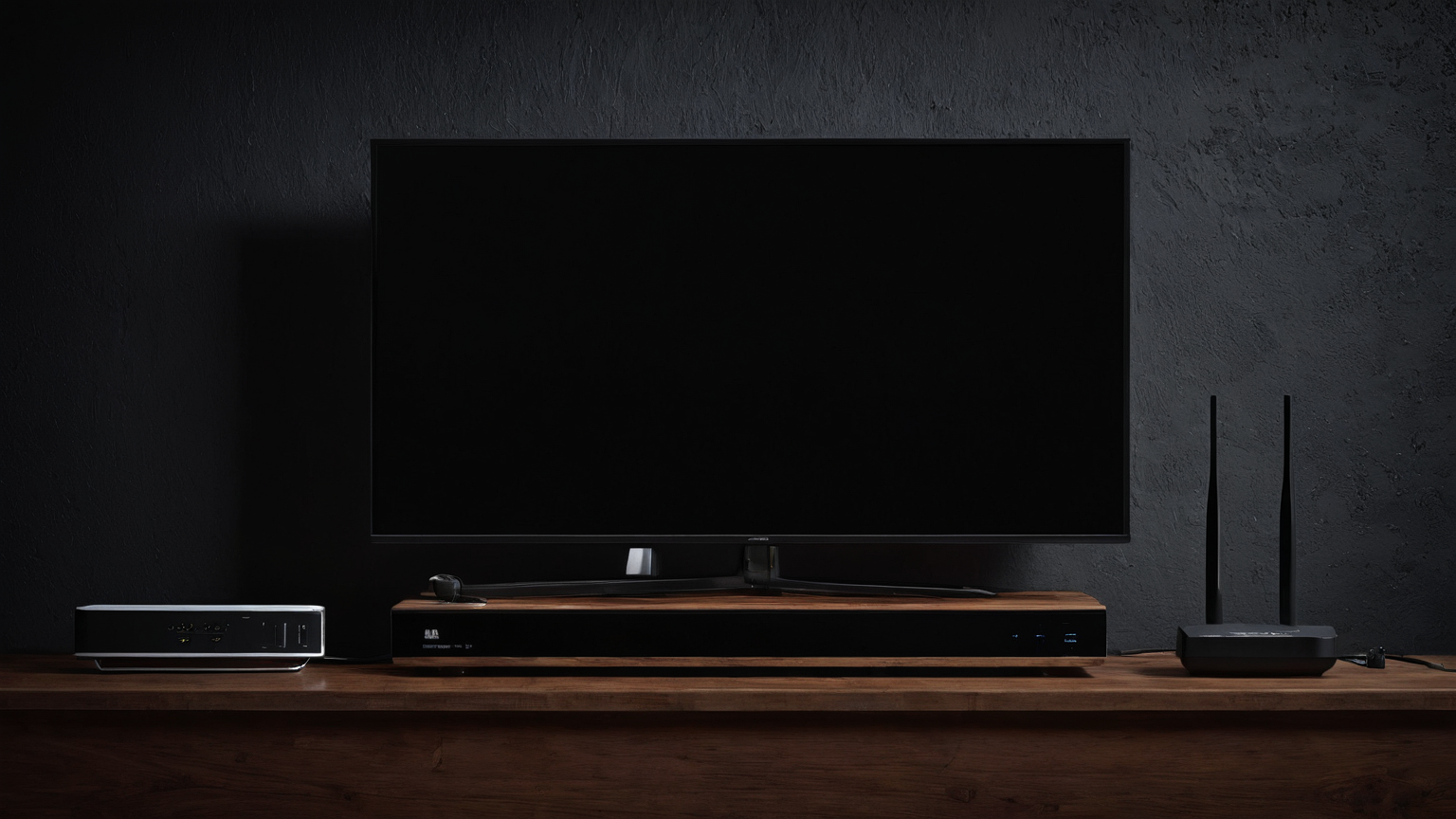
1. Inventory accounts before changing settings
List the streaming accounts, voice assistants, phone casting apps, and household members tied to the TV. A privacy reset that logs out the wrong person or deletes evidence can create a new problem. If abuse, stalking, or breach evidence may be involved, get qualified help before wiping the device.
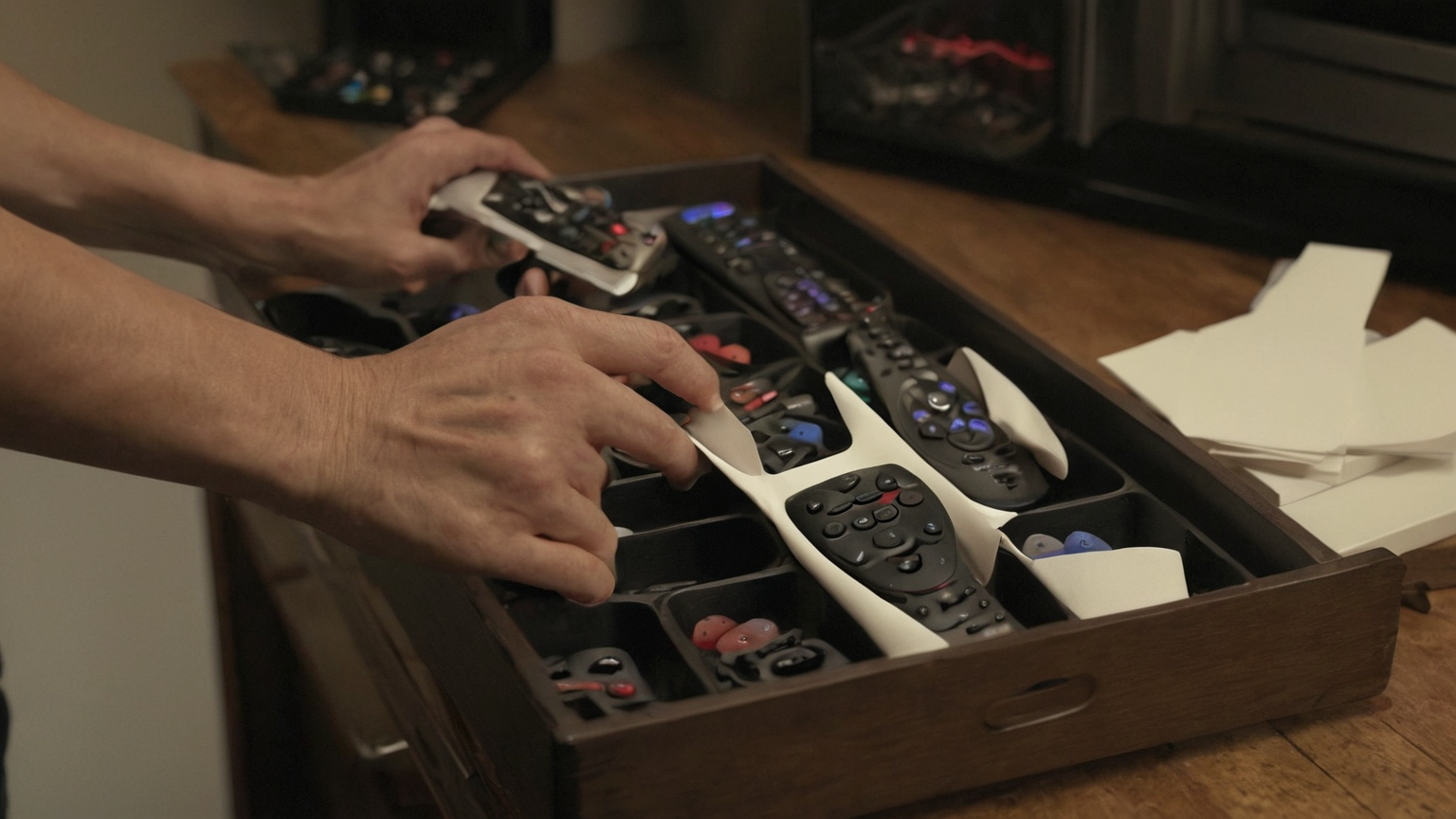
2. Minimize permissions one app at a time
Remove unused apps, turn off viewing-data sharing where the menu allows, and deny microphone or personalized ad settings you do not need. Do not assume a dark screen means the device is inactive; the account, remote, and companion app can still carry privacy settings.

3. Separate the TV from sensitive devices
Use a guest or IoT network when your router supports it, especially if the TV is old, rarely updated, or used by visitors. Segmentation is not magic, but it reduces how much a compromised or poorly maintained device can see on the main household network.

4. Update before blaming the network
Check firmware and app updates, then restart deliberately. If the TV is unsupported, sluggish, or full of abandoned apps, the safer privacy decision may be to sign out and replace the streaming path rather than keep adding accounts to an unmaintained device.
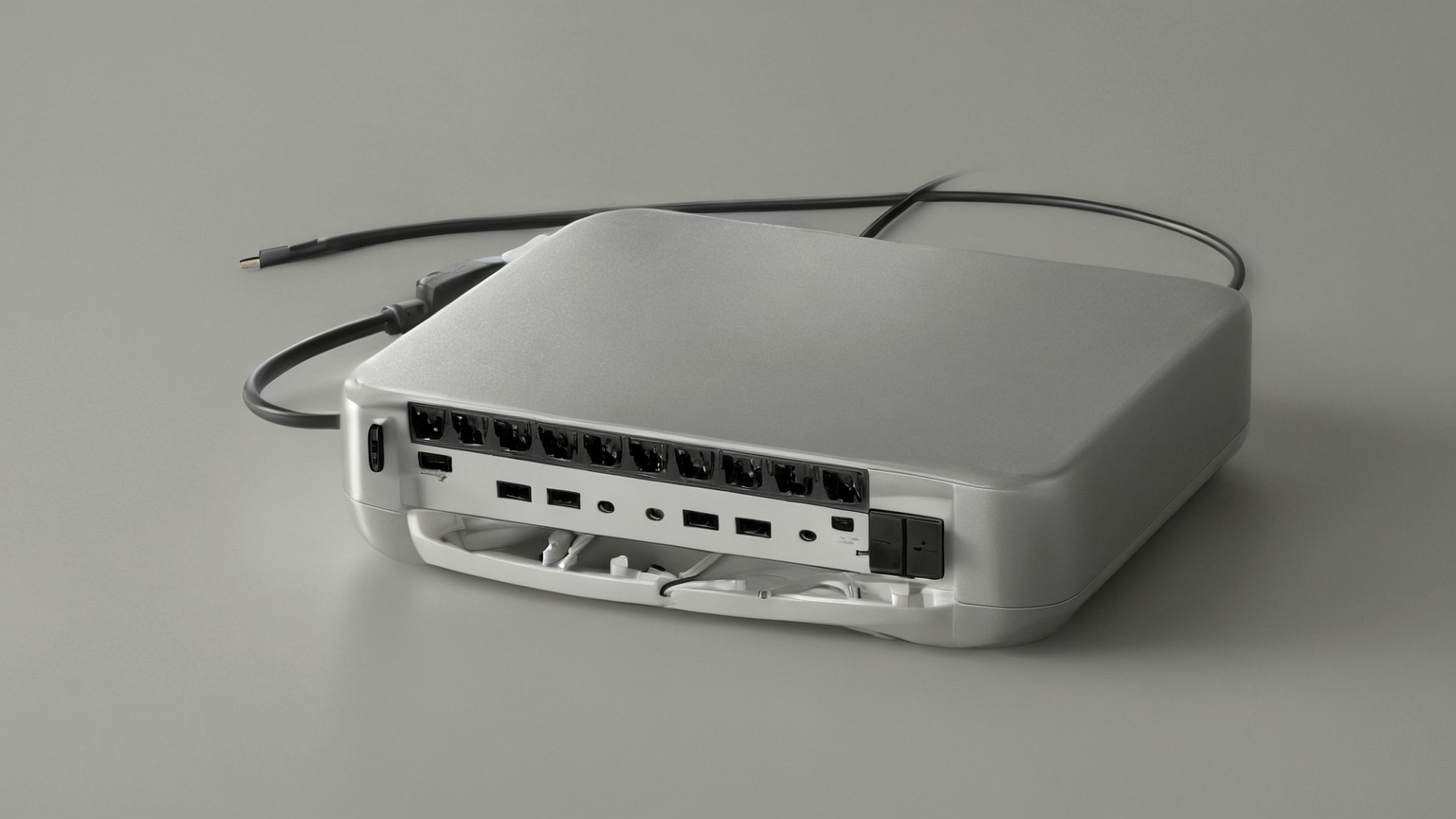
5. Reset safely when ownership changes
Before selling, gifting, returning, or moving a TV to a rental space, sign out of apps, remove the device from major account dashboards, and factory reset through the official menu. Confirm the next startup does not show your profile, watch history, or payment-linked account.
Seven-point implementation checklist
- Inventory signed-in streaming, voice, casting, and companion-app accounts before changing settings.
- Minimize viewing-data, ad-personalization, microphone, and companion-app permissions one menu at a time.
- Use a guest or IoT network when the router supports it.
- Preserve evidence before resetting if abuse, stalking, breach, or account compromise may be involved.
- Sign out, remove the device from account dashboards, and factory reset before selling or gifting.
- Keep affiliate pressure out of privacy and security decisions.
- Revisit the checklist when apps, firmware, household users, router settings, or ownership changes.
Source notes and limitations
The linked privacy and security sources set conservative decision boundaries for accounts, app permissions, network segmentation, and ownership changes. They do not replace a qualified security professional, product manual, legal process, household safety plan, or current official alert.
FAQ
Why does this article avoid text-heavy images?
The visuals are GTI13 raster illustrations. Exact rules, warnings, and tables stay in body text where readers and assistive technology can use them.
Is this current for June 2026?
The source list was checked during the 2026-06-17 publishing workflow. For changing app permissions, device settings, account policies, or router behavior, open the current official source and product support page before acting.
Does this page recommend products?
No. This unit preserves AdSense readiness by prioritizing practical guidance, source transparency, internal navigation, and clear limits rather than affiliate filler.